


Developer Testing
How Email Verification Codes and Magic Links Work, and How to Build Them Safely
A developer’s guide to email verification: codes versus links, generating and storing them, expiry, attempt limits, single use, link scanners that click for you, and the mistakes that turn a verification step into a security hole.
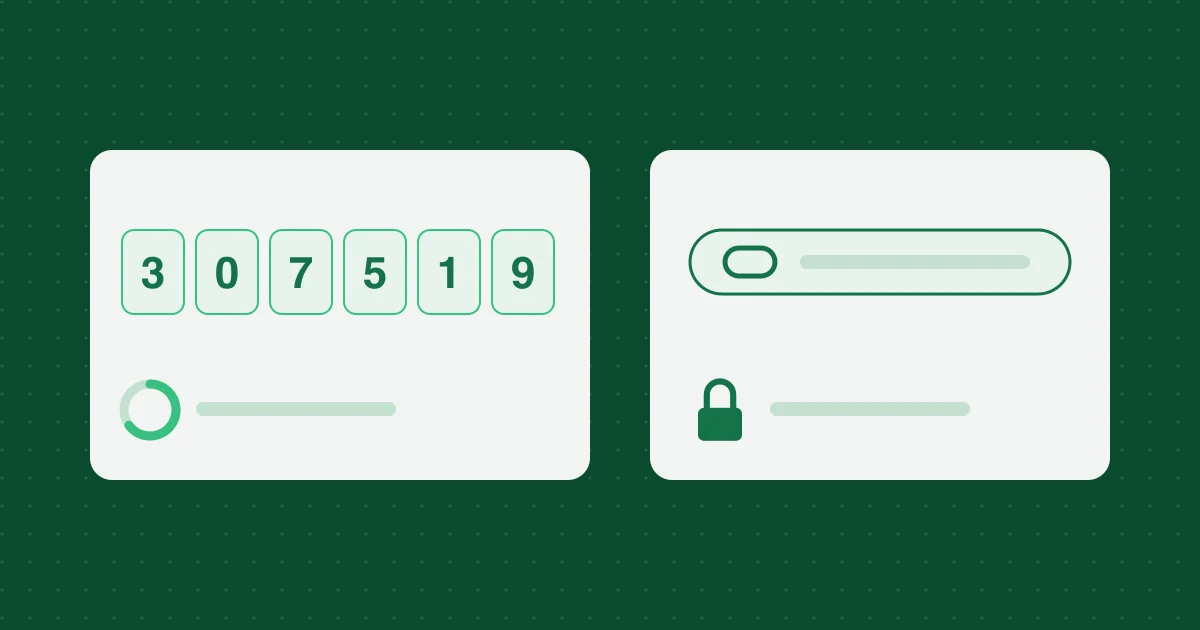
Email verification looks simple: generate a code, email it, check it when the user types it back. Most implementations work in the happy path. The problems show up at the edges: codes that can be guessed, links that expire before anyone clicks them, links that a security scanner clicks before the user does, and resend buttons that let anyone flood a stranger’s inbox.
This guide covers how verification codes and magic links work and the details that make them safe.
What verification proves
A verification email proves one thing: the person in front of your app can read mail sent to this address, right now. It does not prove identity, and it does not prove they will control the address next year.
The same mechanism is used for several purposes, and each should be kept separate:
- Confirming an address at sign-up
- Signing in without a password (magic links and email codes)
- Resetting a password
- Confirming a change of email address
A code issued for one purpose must never be accepted for another.
Codes or links?
| Six-digit code | Magic link | |
|---|---|---|
| How the user uses it | Types it into the open page | Clicks it in the email |
| Different device | Works: read on phone, type on laptop | Opens on the device that read the email |
| Guessable | Yes, if attempts are not limited | No, with a long random token |
| Phishing resistance | Weak: users can be talked into reading it out | Weak: users can be sent to a lookalike page first |
| Pre-clicked by scanners | No | Yes, unless designed for it |
Many apps offer both in the same email: a code for people on another device, and a link for convenience.
Generating the secret
Use a cryptographically secure random number generator, never Math.random().
A six-digit code has only one million possibilities. That is fine only because you will limit attempts. Generate it without bias:
export function generateCode(): string {
  const range = 1_000_000;
  const limit = Math.floor(0x1_0000_0000 / range) * range;
  const buf = new Uint32Array(1);
  do {
    crypto.getRandomValues(buf);
  } while (buf[0] >= limit);
  return String(buf[0] % range).padStart(6, '0');
}
Discarding values above limit avoids a small bias toward lower numbers that a plain % 1_000_000 would introduce.
A magic-link token should be long enough that guessing is not a concern: at least 128 bits of randomness, encoded to be safe in a URL.
export function generateToken(): string {
  const bytes = crypto.getRandomValues(new Uint8Array(32));
  return btoa(String.fromCharCode(...bytes))
    .replace(/\+/g, '-')
    .replace(/\//g, '_')
    .replace(/=+$/, '');
}
Both examples use the Web Crypto API, which is available in browsers, Node.js, Deno, and Cloudflare Workers.
Storing it
Treat a code or token like a password: do not store it in plain text. If your database leaks, plain-text tokens let an attacker complete any pending verification or reset.
For long random link tokens, a plain SHA-256 hash is enough, because the token cannot be guessed. For six-digit codes, a plain hash does not help much, since someone with the hash could try all million values offline. Use an HMAC with a server-side secret instead, and include the user and purpose in what you sign so the same code never produces the same stored value twice:
async function codeDigest(key: CryptoKey, userId: string, purpose: string, code: string) {
  const data = new TextEncoder().encode(`${userId}:${purpose}:${code}`);
  return new Uint8Array(await crypto.subtle.sign('HMAC', key, data));
}
Store, per pending verification:
- The user or address it belongs to
- The purpose (sign-up, sign-in, reset, email change)
- The digest
- An expiry time
- An attempt counter
- Whether it has been used
Checking it
When the user submits a code:
- Look up the pending record by user and purpose, not by code
- Reject it if it is expired, used, or has run out of attempts
- Increase the attempt counter before comparing
- Compare digests using a constant-time comparison, or
crypto.subtle.verify, which does that for you - On success, mark it used and invalidate any other pending codes for the same purpose
Single use matters. A code that still works after it has been used is a code that can be replayed.
Expiry
Shorter is safer, but too short creates support tickets from people whose email took a few minutes. Common choices:
- Sign-in codes: 10 to 15 minutes
- Password reset links: up to an hour
- Sign-up confirmation links: longer, often a day, because the user may not check mail immediately and the risk is lower
Tell the user the expiry time in the email itself.
Attempt limits and rate limits
Without limits, a six-digit code falls to brute force. You need limits in two directions.
Guessing: cap attempts per code (five is common), then require a new code. Also limit attempts per account and per IP address over time, so an attacker cannot simply request new codes and keep guessing.
Sending: limit how often a code can be sent to the same address, and how many addresses a single IP can trigger mail to. Without this, your resend button becomes a free tool for flooding someone else’s inbox, and your sending reputation pays for it. A cooldown of 30 to 60 seconds between resends is typical.
Link scanners that click for you
Many corporate mail systems and security products open links in incoming email to check them for malware, before the recipient sees the message. If your magic link signs the user in or confirms the address on a simple GET request, the scanner uses it up. The user then clicks and gets “this link has expired.”
The fix: make the link open a page with a button, and do the actual verification on a POST when the button is pressed. Scanners fetch pages; they do not usually press buttons.
Do not leak whether an account exists
On a sign-in or reset form, respond the same way whether or not the address has an account: “If an account exists for this address, we have sent a code.” Otherwise the form tells attackers which addresses are registered.
What goes in the email
- A clear subject, such as “Your sign-in code”
- The code in the plain-text part as well as the HTML, so it is readable in any client
- The expiry time
- What to do if they did not request it, and a reminder that you will never ask them to share the code
- Nothing that looks like phishing: no urgency, no unrelated links, no attachments
Putting the code in the subject line makes it visible in notifications, which is convenient but also shows it on a locked phone screen. Decide which matters more for your users.
And make sure the email arrives. Authentication on your sending domain (SPF, DKIM and DMARC) is what keeps it out of spam.
Do not log secrets
Request logs, error trackers, and analytics often capture URLs and form bodies. Make sure codes and tokens are not recorded there. A token sitting in a log file is as good as a token in the database.
Testing it
Every rule above deserves a test: expired codes, reused codes, the attempt limit, resend cooldowns, codes for the wrong purpose, and link pre-fetching. A local SMTP catcher, a fake mail server that captures outgoing messages instead of delivering them, makes these tests fast and repeatable. For a final manual check over the real internet, see testing signup and email verification flows.
Related reading

More from the blog
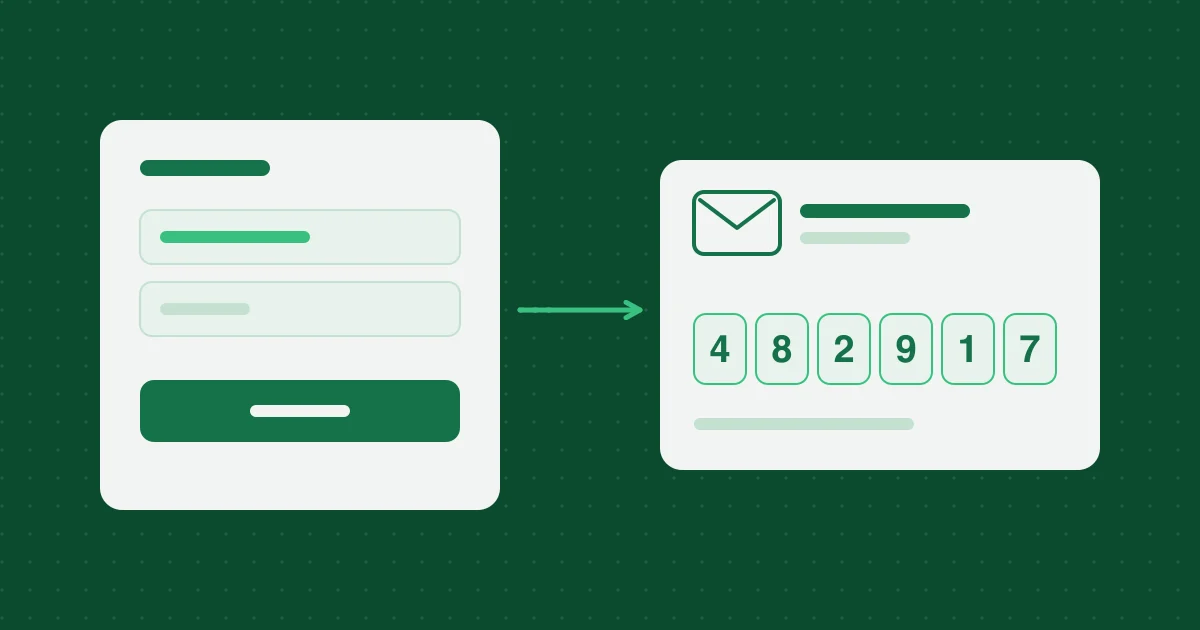
Testing Signup and Email Verification Flows with Temporary Inboxes
A QA checklist for exercising signup and verification mail with a 10-minute receive-only inbox, based on building this service. Use it only on systems you are authorized to test.
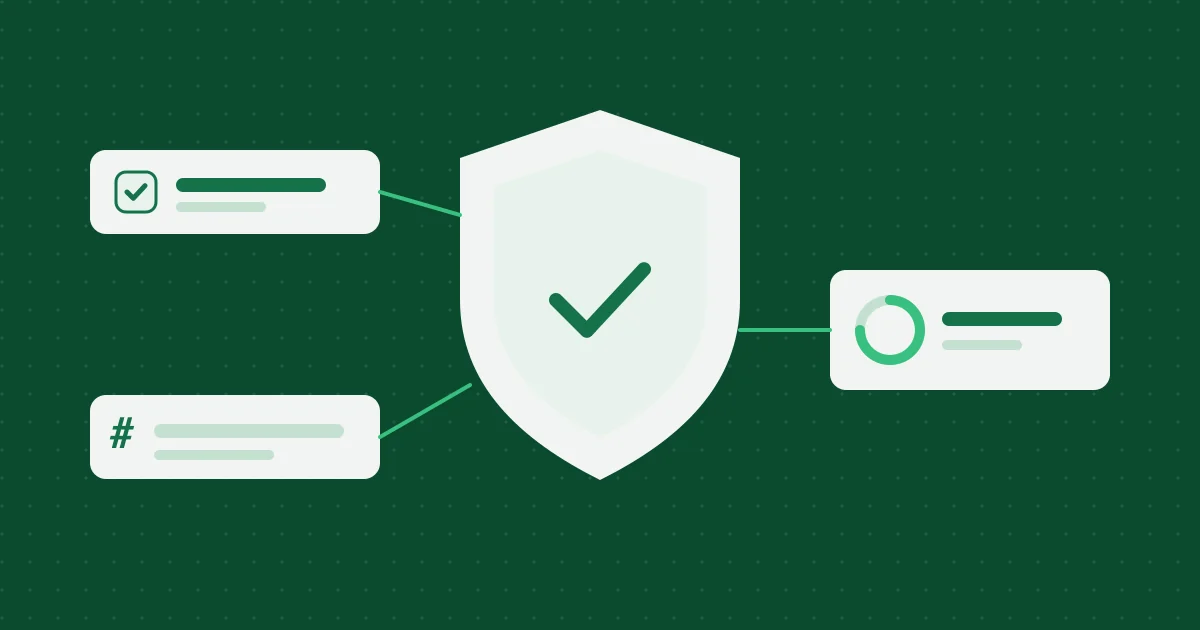
Abuse Prevention and Privacy Design for a Temporary Inbox
How 10 Minute Temp Email limits abuse without claiming magic: receive-only mail, session cookies, hashed identifiers, optional Turnstile, cleanup, and responsible-use rules.
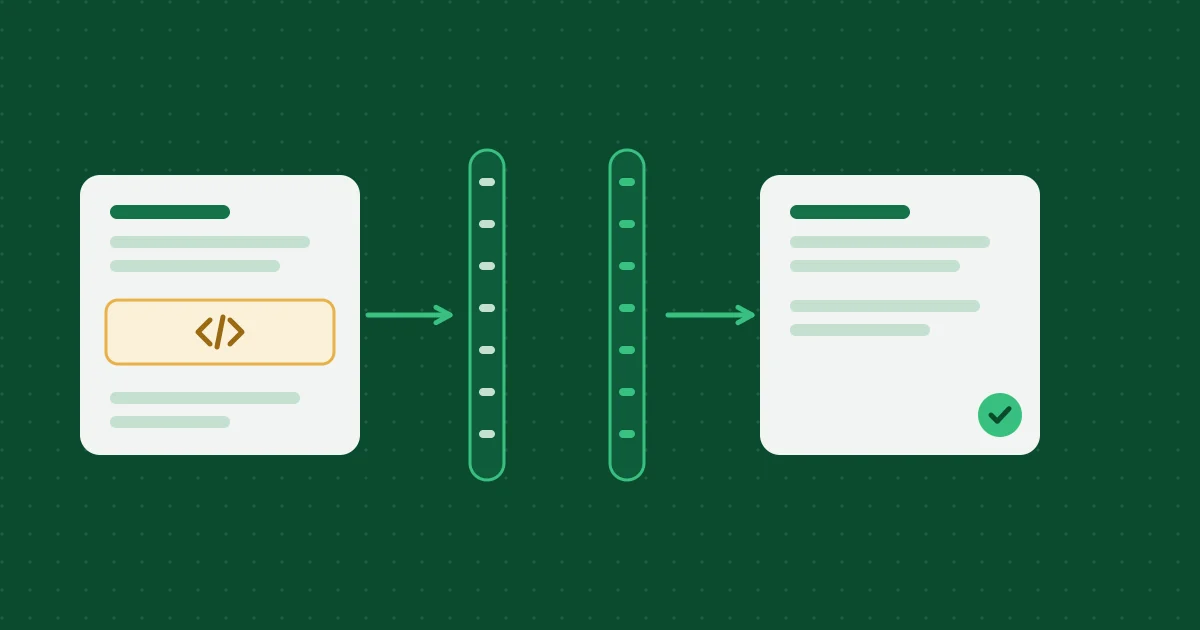
How Temporary Email Messages Are Sanitized and Deleted
How inbound HTML is cleaned on the Worker and again in the browser, which attachments are stored, and how expiration deletes D1 rows and R2 objects.
Help, policies and how we work
- Frequently asked questionsExpiry, attachments, privacy and prohibited uses, answered briefly.
- Editorial and testing policyHow these articles are researched, tested and corrected.
- Acceptable use policyWhat the inbox may and may not be used for.
- Report abuseTell us if an address from this service is being misused.