


Email Privacy
Email Aliases Compared: Plus Addressing, Hide My Email, Firefox Relay, and More
How the main kinds of email alias work, what each one hides and does not hide, and how to pick between plus addressing, a forwarding alias service, a custom domain, and a 10-minute inbox.
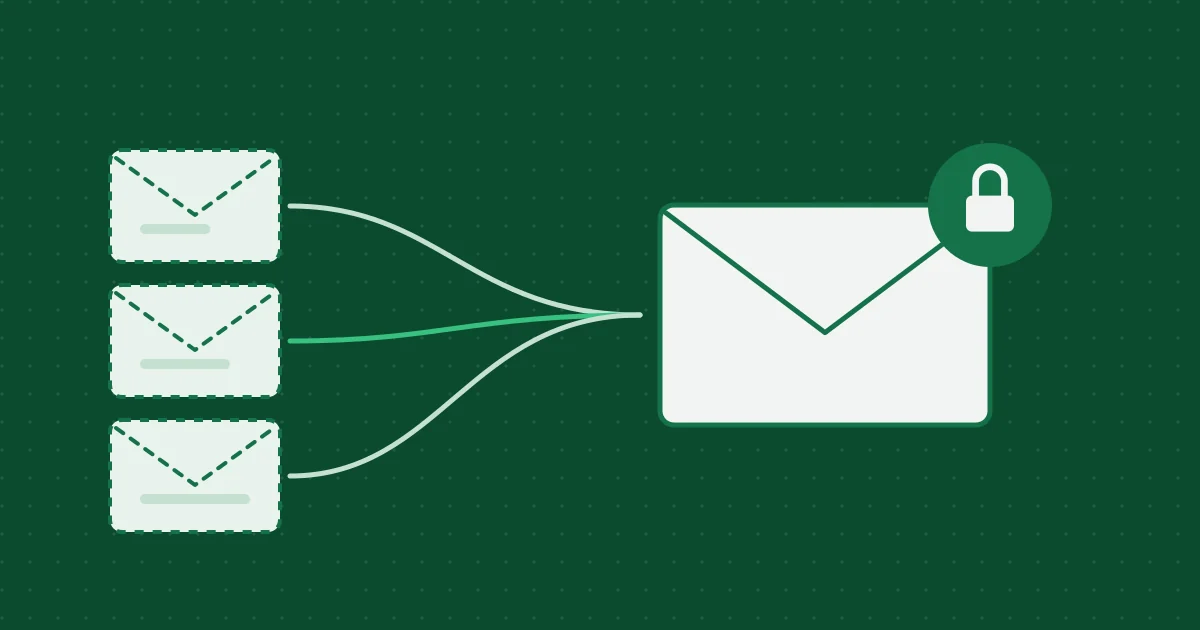
An email alias is an extra address that delivers into an inbox you already own. You give the alias to a website instead of your real address. If that site sells the list, gets breached, or just sends too much, you turn the alias off and your real address never changes.
That is the idea. In practice, “alias” covers several quite different tools. Some hide your real address and some do not. Some let you reply and some are receive-only. This guide compares the main options so you can pick one on purpose.
Product details below come from each provider’s own public documentation at the time of writing. Free and paid tiers change, so check the current plan before you commit. Nothing here is sponsored.
The short version
| Option | Hides your real address? | Can you reply as the alias? | Can you turn one off? | Cost |
|---|---|---|---|---|
Plus addressing (you+shop@) |
No. Anyone can remove the +tag |
Yes, from your normal inbox | Only with filters | Free with your mail |
| Apple Hide My Email | Yes | Yes, in Apple Mail | Yes | Part of iCloud+ |
| Firefox Relay | Yes | On the paid tier | Yes | Free tier and paid |
| DuckDuckGo Email Protection | Yes | Yes | Yes | Free |
| SimpleLogin, addy.io | Yes | Yes | Yes | Free tier and paid |
| Your own domain | Yes | Depends on your mail host | Yes, you control the rules | Domain plus mail host |
| A 10-minute inbox (not an alias) | Yes, nothing links to you | No, receive-only | Expires on its own | Free |
Plus addressing: free, built in, and easy to undo
Many providers, including Gmail, Fastmail, and Proton Mail, deliver mail sent to yourname+anything@ into the normal yourname@ inbox. So you can sign up to a shop as yourname+shop@gmail.com and filter or label everything that arrives on that tag.
Good for: sorting mail, and spotting which company shared or leaked your address.
Weak at: privacy. Your real address is right there in front of the plus sign. A spammer or a careless data broker can strip the tag in one line of code. Some sign-up forms also reject the + character outright.
Treat plus addressing as an organizing tool, not a mask.
Forwarding alias services
These services generate random addresses on their own domains and forward incoming mail to your real inbox. The site you signed up to only ever sees the alias.
Apple Hide My Email
Part of an iCloud+ subscription. You create random @icloud.com addresses from your Apple devices or iCloud settings, and they forward to the email on your Apple Account. A free variant also appears when you use Sign in with Apple and choose to hide your email, which creates a relay address just for that app.
Good for: people already in the Apple ecosystem who want aliases built into Safari autofill and Apple Mail.
Watch for: the aliases live inside your Apple account. If you leave iCloud+, think about where those addresses go.
Firefox Relay
Made by Mozilla. Relay creates random “email masks” that forward to your address. The free tier gives you a small number of masks; the paid tier adds unlimited masks, replies, and a custom subdomain. Relay can also remove known email trackers from forwarded mail.
Good for: a simple, browser-integrated option from a privacy-focused organization.
DuckDuckGo Email Protection
A free service that gives you a personal @duck.com address plus unlimited generated private addresses. Mail is forwarded to your real inbox with known trackers stripped. Replies are supported.
Good for: a free, unlimited option without a subscription.
SimpleLogin and addy.io
Two dedicated alias services (SimpleLogin is part of Proton). Both are open source, offer free tiers, and add features such as custom domains, multiple destination inboxes, and replying through the alias.
Good for: people who want fine control, many aliases, or their own domain without running a mail server.
The trade-off with every forwarding service
The alias provider sits in the middle of your mail. It sees who is writing to you and, for most services, the content as it passes through. You are moving trust from the website to the alias provider. Pick one whose business model and history you are comfortable with, and keep a record of which alias you used where.
There is also a dependency. If the alias provider shuts down, every account registered with its aliases needs a new address. Services that support your own domain reduce that risk.
Your own domain
If you own a domain, most mail hosts let you create any number of addresses on it, or a catch-all that accepts anything @yourdomain. You could use netflix@yourdomain.com and bank@yourdomain.com, all landing in one inbox.
Good for: long-term control. You can move the domain to another mail host without changing any address.
Watch for: a catch-all also accepts mail to addresses you never created, which can attract spam. Using your name as the domain also links every alias back to you, which defeats part of the privacy goal.
Where a 10-minute inbox fits
A temporary inbox like the one on this site is not an alias. Nothing forwards to you, you cannot reply, and the address stops working after 10 minutes. That makes it the wrong tool for any account you want to keep, and the right one for a confirmation code on a site you will never visit again.
The quick rule:
- Keep the account and want the mail? Alias.
- Need the mail for a few minutes and nothing after? Temporary inbox, if the site allows it.
- Identity, money, health, work? Your real address.
The longer decision guide is when to use temporary email, an alias, or your real address.
Habits that make any alias system work
- One alias per service. Reusing one alias across sites removes the main benefit: knowing who leaked it.
- Write down where each alias went. Most services let you add a note. Use it.
- Do not alias your recovery address. The email that can reset your bank or primary email password should be one you will always control.
- Turn off, do not delete, at first. Disabling an alias you might need later is easier to undo than deleting it.
- Respect sites that block relay domains. Some services reject known alias or disposable domains. That is their rule. Use an address they accept or skip the signup.
Related reading

More from the blog
How Email Verification Codes and Magic Links Work, and How to Build Them Safely
A developer’s guide to email verification: codes versus links, generating and storing them, expiry, attempt limits, single use, link scanners that click for you, and the mistakes that turn a verification step into a security hole.
Abuse Prevention and Privacy Design for a Temporary Inbox
How 10 Minute Temp Email limits abuse without claiming magic: receive-only mail, session cookies, hashed identifiers, optional Turnstile, cleanup, and responsible-use rules.
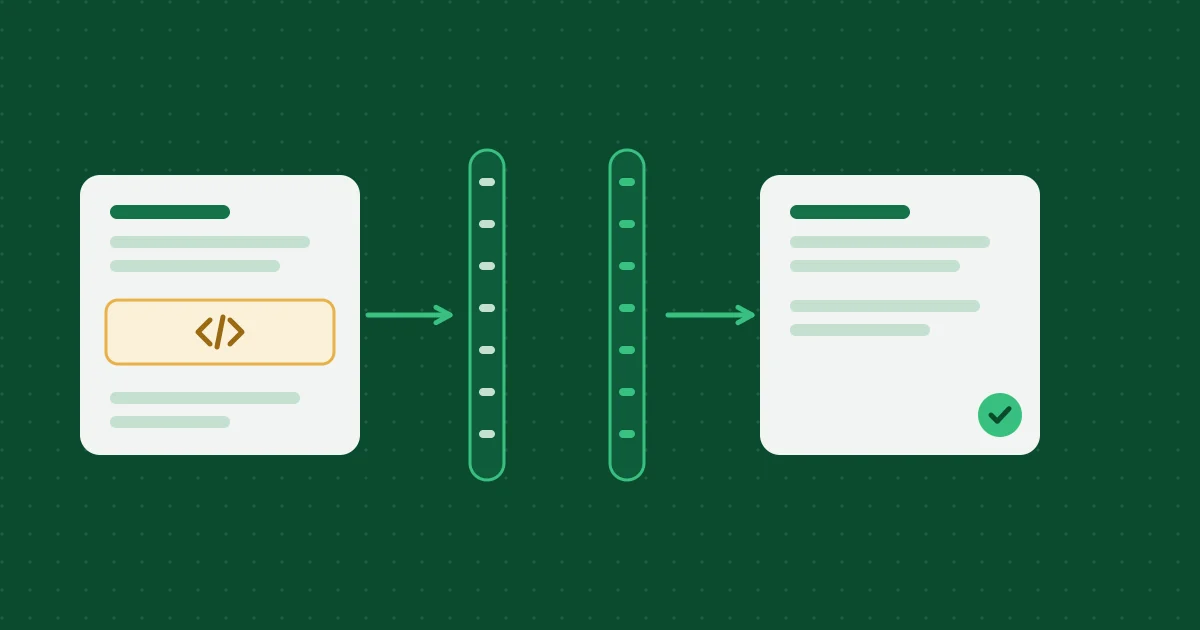
How Temporary Email Messages Are Sanitized and Deleted
How inbound HTML is cleaned on the Worker and again in the browser, which attachments are stored, and how expiration deletes D1 rows and R2 objects.
Help, policies and how we work
- Frequently asked questionsExpiry, attachments, privacy and prohibited uses, answered briefly.
- Editorial and testing policyHow these articles are researched, tested and corrected.
- Acceptable use policyWhat the inbox may and may not be used for.
- Report abuseTell us if an address from this service is being misused.